
POS Hardware and Payment Workflows
Compare devices and checkout options for your business, from fixed-counter terminals to handheld payment and self-service ordering. Our guides explain what each setup is designed to do.
Get A Quote Now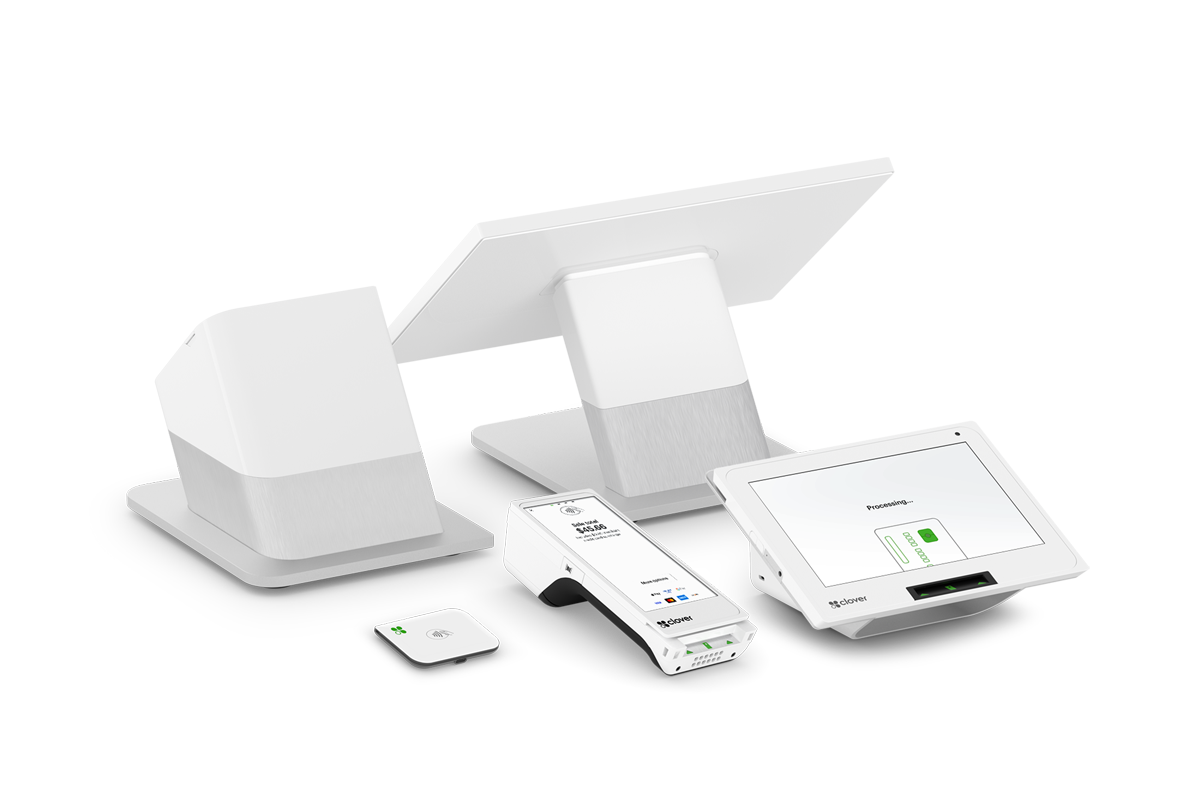
Compare the Parts of a POS Setup
Start with your checkout workflow, then compare the hardware and capabilities relevant to how your business serves customers.
Countertop checkout
Compare fixed terminals, screens, card readers, and receipt printing for a permanent sales counter.
See how it worksHandheld payments
Review portable options for table-side service, shop-floor checkout, and businesses that move between locations.
See how it worksSelf-service ordering
Explore kiosk hardware for businesses that want customers to submit orders at a dedicated station.
See how it worksPayment acceptance
Compare chip, swipe, and contactless payment capabilities listed for each Clover device.
See how it worksProducts and inventory
Review which devices list inventory tools and how those features fit your existing sales workflow.
See how it worksReceipts and records
Check which models include a printer and which support a printerless, digital-receipt workflow.
See how it worksCustomer-facing checkout
See how two-screen devices can present a customer display alongside the employee checkout screen.
See how it worksIndustry fit
Use the industry guides to compare common checkout needs across retail, restaurants, mobile businesses, and more.
See how it worksDevice selection
Bring your counter space, connectivity, and payment requirements to the team when planning a configuration.
See how it works