
Taking Payments on the Move: A Guide to Clover Go
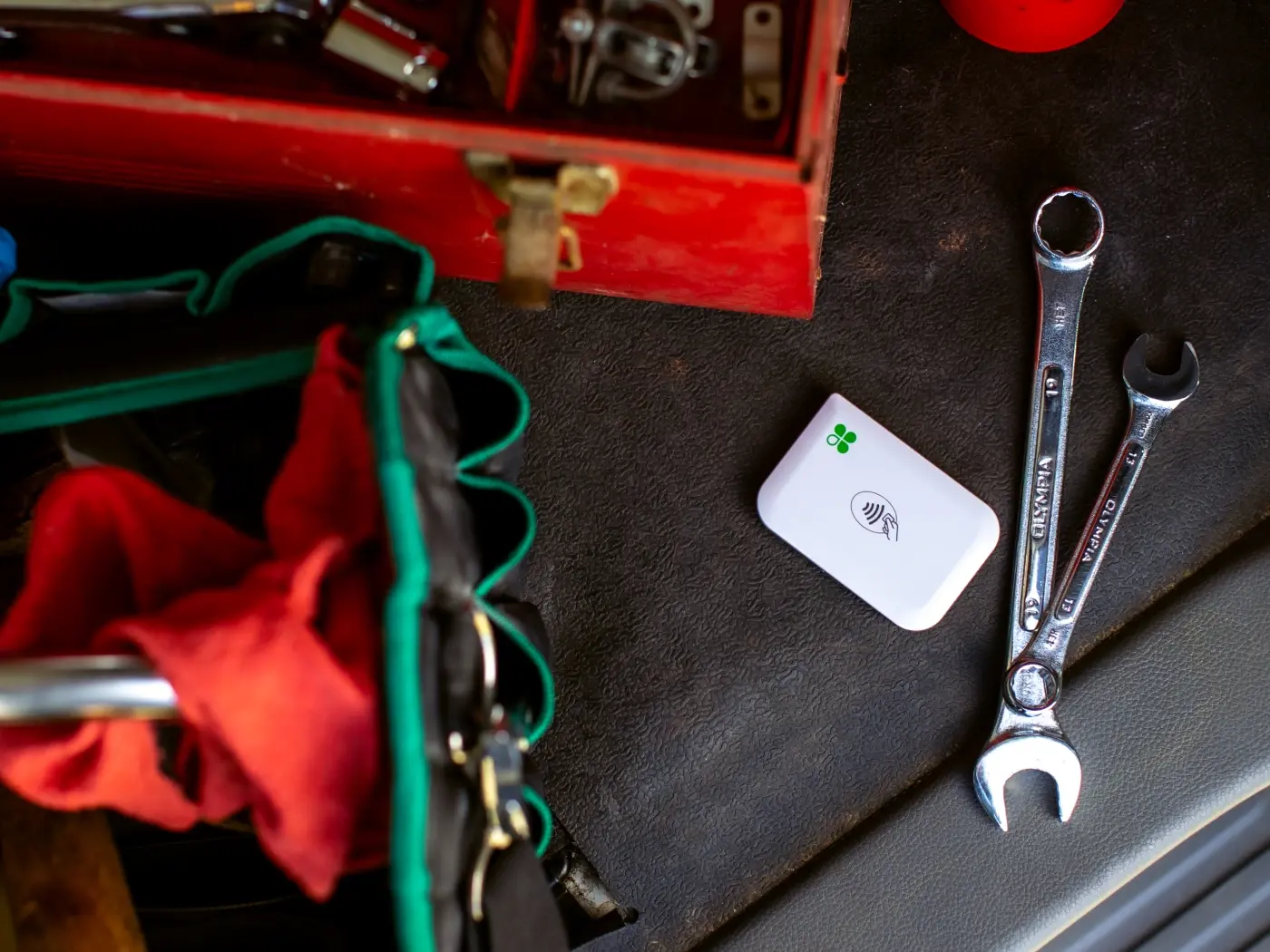
When mobile checkout makes sense
A permanent register is not practical for every sale. At a market stall, a customer appointment, or a service visit, taking payment where the work happens can make checkout simpler for both the customer and the staff member.
Clover Go pairs a portable card reader with a phone or tablet. That makes it worth considering when a business already relies on a mobile device and needs a compact way to accept in-person payments away from its main counter.
- Pop-up shops and market stalls that move between locations.
- Field service teams who collect payment after completing a job.
- Delivery or appointment workflows where a customer is met in person.
Plan for connectivity and the full workflow
Before choosing a mobile reader, check the network coverage at the places where you sell and make a plan for keeping the phone and reader charged. Consider who will carry the equipment, how staff will access the checkout app, and whether customers need a printed or digital receipt.
A reader is one part of a payment setup. Confirm payment acceptance, account requirements, and any related software or service terms with your provider before relying on a specific workflow.
Compare it with a handheld POS
If you need a self-contained handheld device with an onboard printer, compare Clover Go with Clover Flex. If checkout mostly happens at a fixed counter, a countertop device may provide a better fit.
View Clover Go product details or contact our team to discuss your setup.
Related Posts
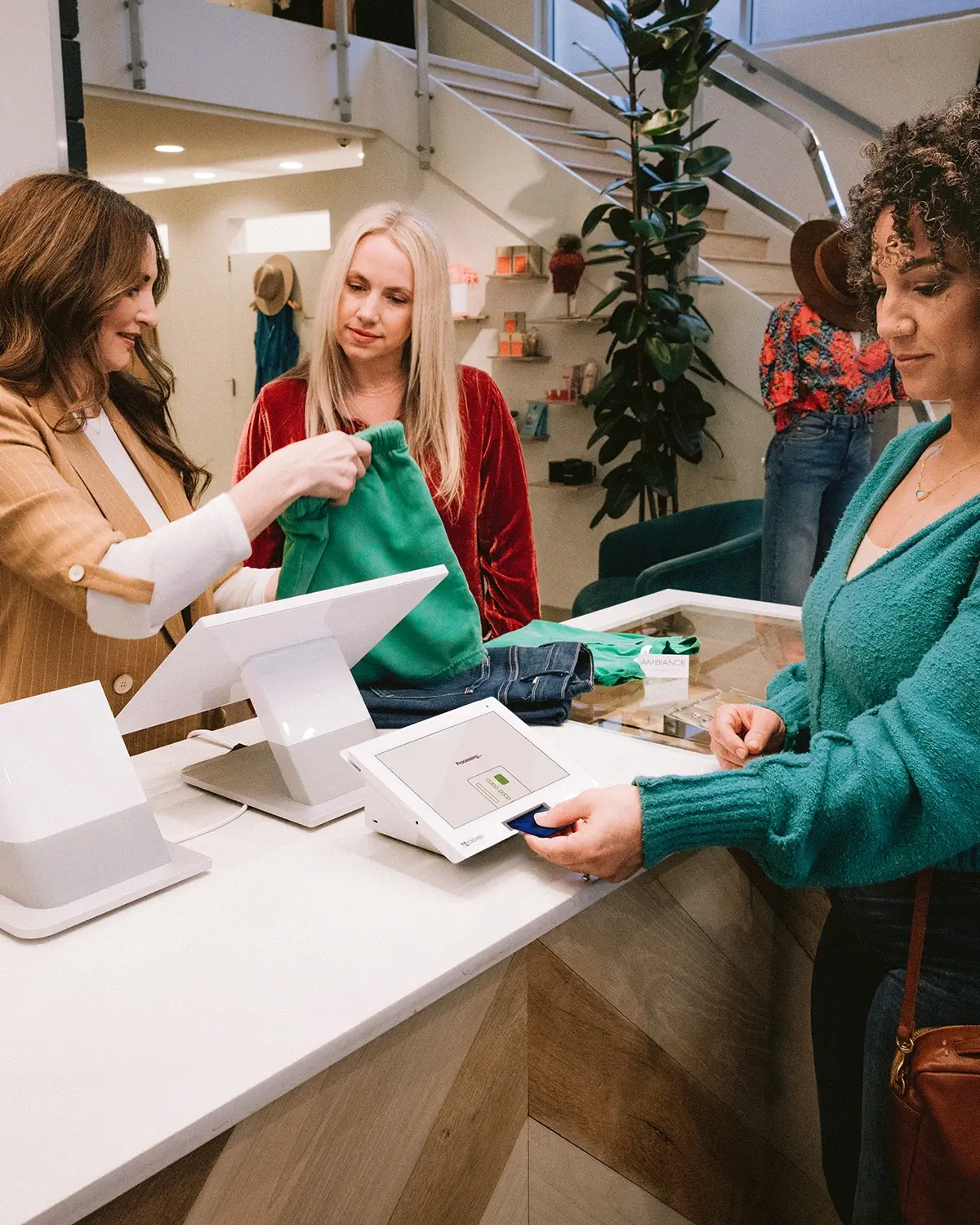
Two-Screen Checkout: What to Consider with Clover Station Duo
Learn how a customer-facing display changes the checkout counter and what to plan for a tw...
Read More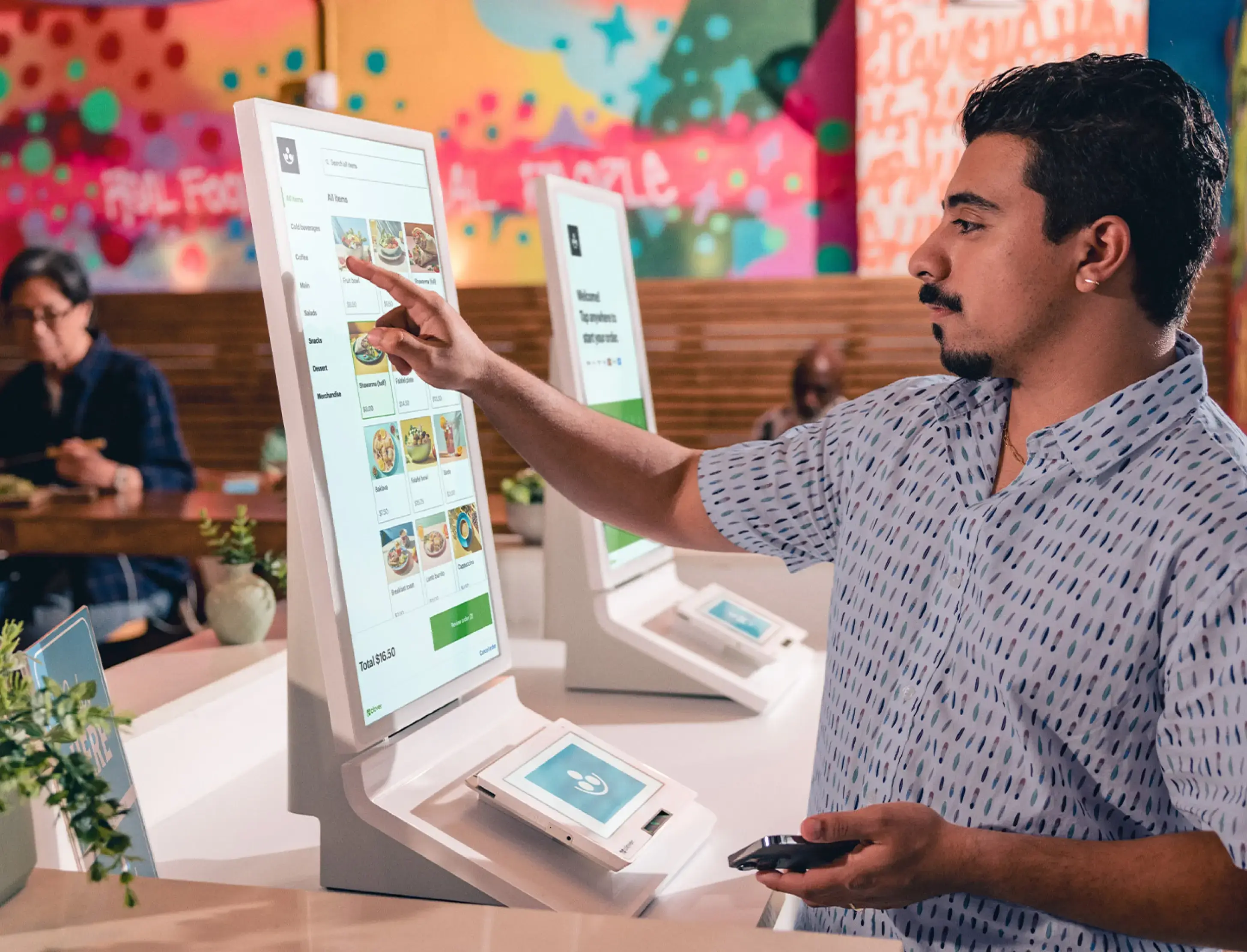
Self-Service Ordering Basics: A Guide to Clover Kiosk
Explore where a self-service kiosk fits, how to plan its location, and what to consider be...
Read More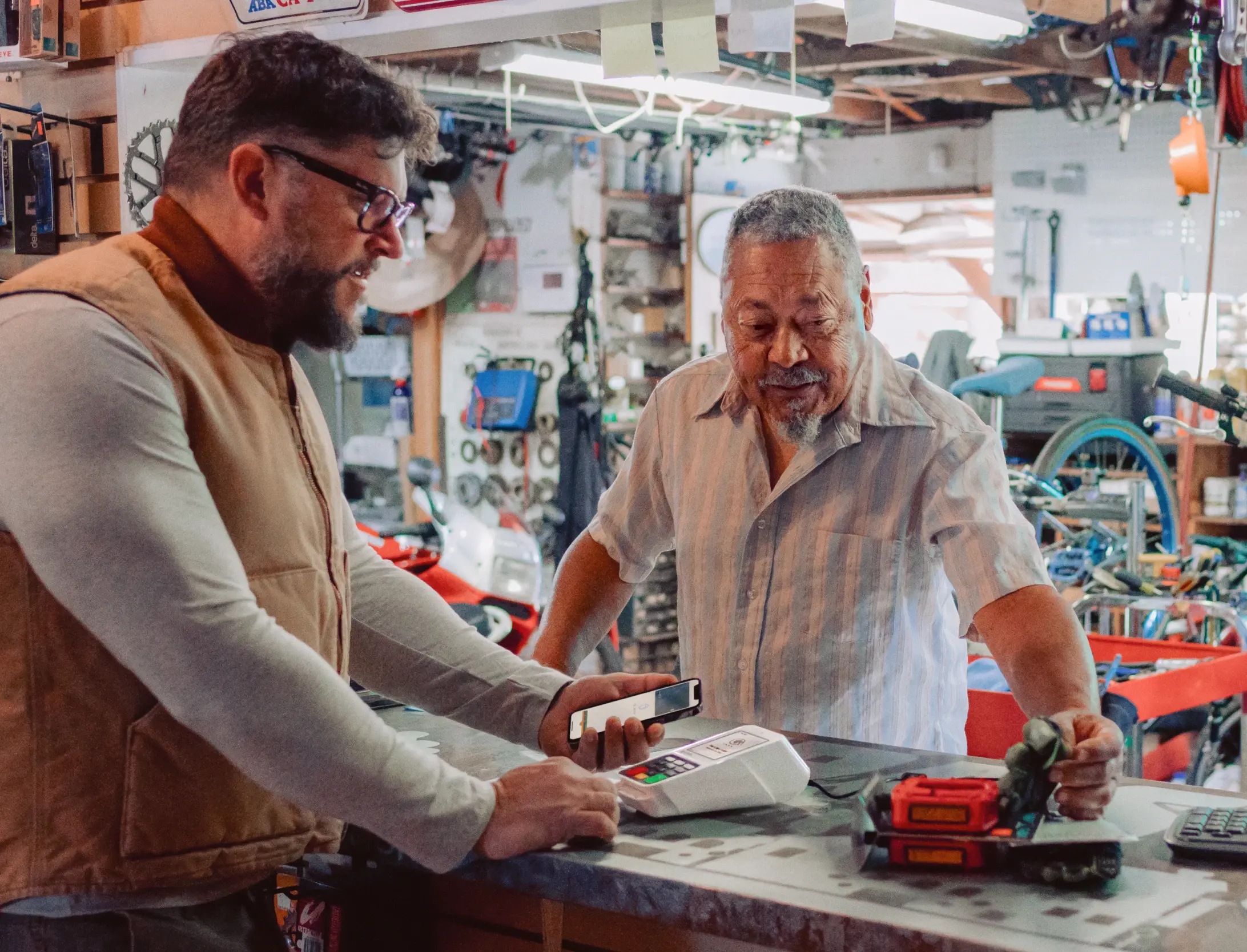
Choosing a Countertop Terminal: Clover Compact Explained
A practical guide to evaluating a compact countertop terminal, receipt printing, counter s...
Read More